Memory that travels with you
Turn any AI into your personal travel assistant.
Already have an account? Sign in
 Claude
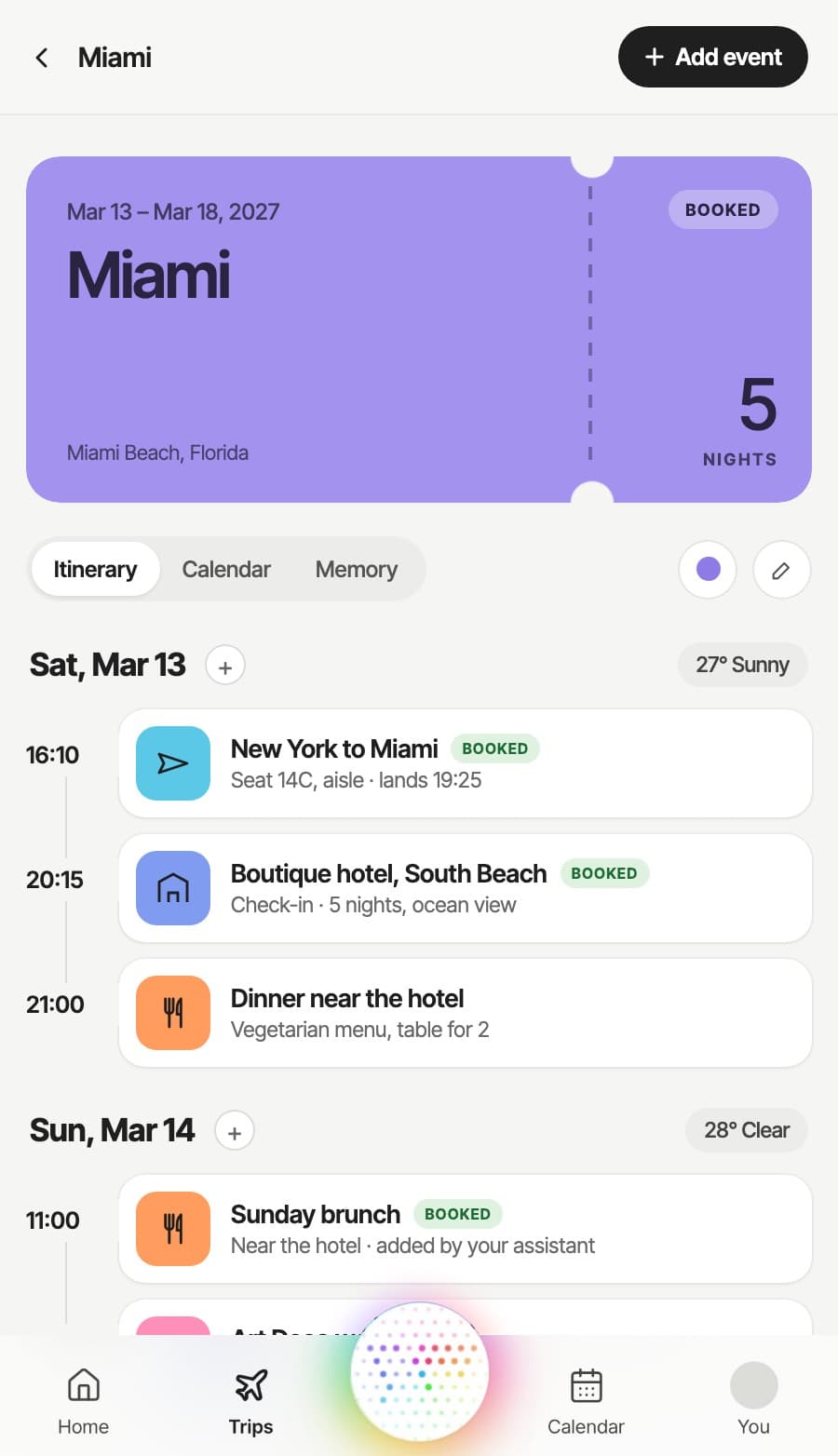
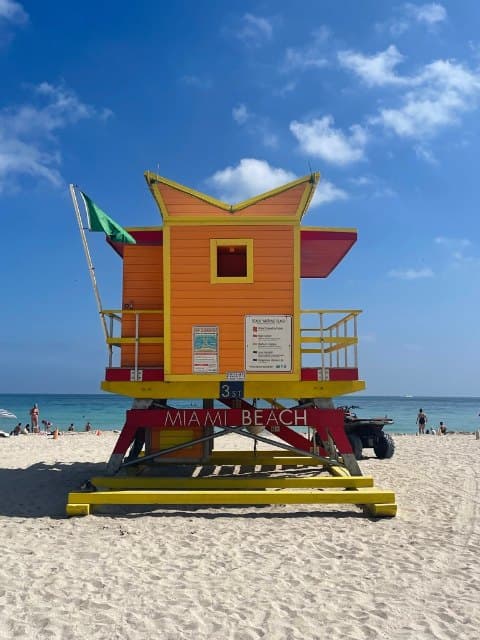
You land in Miami on Saturday evening. Want a table near your hotel?


How it works
Three steps to a travel memory that travels with you.
- Step 01
Explain once how you like to travel
A short voice or chat conversation covers your seat, hotel style, food, pace and budget. Add trips as you plan them.

- Step 02
Connect your assistants
Add Traveler.md to Claude or ChatGPT in a few clicks, or connect another compatible assistant. Connecting one opens the day-by-day itinerary.

- Step 03
Your trips stay current
When you plan in a chat or add a booking, your trip updates, and the next assistant you open works from the same plans.

How it works
Three steps to a travel memory that travels with you.
- Step 01
A short voice or chat conversation covers your seat, hotel style, food, pace and budget. Add trips as you plan them.
- Step 02
Add Traveler.md to Claude or ChatGPT in a few clicks, or connect another compatible assistant. Connecting one opens the day-by-day itinerary.
- Step 03
When you plan in a chat or add a booking, your trip updates, and the next assistant you open works from the same plans.
Itinerary
Your memory is also a day-by-day itinerary.
Everything in one place
Flights, stays, tables and tickets on one timeline.
Flight details and live status
Seat, gate and terminal, with new times when a flight is delayed.
Updates live, from all your AI tools
Every assistant you connect can read your trip and add to it, and changes show up as they happen.

See your next trip laid out day by day.
Create free account
One memory, any assistant
Your travel memory goes wherever you do.
- Claude
What is still open on the Cancun trip?
Flights, the hotel and the snorkel tour are booked. Saturday's lunch and Tuesday's airport transfer are open. Shall I look into both?
 Muse
Anything I should know before Friday's flight?
Your flight to Cancun leaves from Terminal 5. You have aisle seat 14C, and check-in at the hotel opens at 15:00.
 ChatGPT
Find lunch for Saturday on Isla Mujeres.
Your snorkel tour ends around 13:30, so I looked near the ferry dock for 14:00. Two places have a full vegetarian menu.
Privacy and control
Your data belongs to you.
Take it with you
Export your profile and trips as plain files whenever you like.
You set each assistant's access
For each assistant, choose whether it can view or change your preferences and your trips.
Revoke any time
Disconnect an assistant and its access ends. Your memory stays where it is.
Works across assistants
Traveler.md uses an open protocol that many assistants support, so you can switch assistants and keep your memory.
Sample settings shown for illustration.
Common questions
What is Traveler.md?
Which AI tools work with Traveler.md?
Is it free to sign up?
Do I need an AI assistant to use it?
What is a travel memory?
Who owns my travel memory data?
How does the permission system work?



Start with your next trip.
Or add it from your assistant
With support from

Recently awarded
 Technology Fast 50, 2026